the eclectic and esoteric.
28 Jan
Ok, so even the “day-of,” there were already many nay-sayers, complaining of no-camera, no-multi-tasking, no flash, etc. There are those who are saying the price is not worth it — why not just buy a computer or netbook or whatnot. There are those who are saying it’s no “Kindle-killer.” Yes, there is truth in those viewpoints, I suppose, but the problem is that most people are doing what most people usually do — classify things in terms of what they already know. The problem with that approach [which is the norm, unfortunately] is that it limits thinking. We will tend to think of the tablet as a PDA, or as a computer, or as an e-Book reader and classify it in terms of what we have already seen. If one stops to consider the device for what it is, without the encumbrances of classifying it, it becomes more apparent that it is revolutionary. Here are some reasons why:
Those are a few of the reasons that I believe many nay-sayers have not completely considered things to come. Also, those who miss the camera, a stylus, etc. — don’t worry, those things will come soon enough. A few years from now, you’ll see a lot more people carrying these things rather than laptops.
Here’s Engadget’s live blog coverage.
Here is Apple’s video with Jonathan Ives.
For more examples of what will come, check out the tablet concept videos below.
26 Sep
Continuing my habit of trading-out, upgrading, and trying new photography equipment, I’ve been using an Olympus E-P1 recently. It is a great camera because it is stylish, small, capable, and it also has a wide range of possible lenses thanks to the micro four-thirds format’s small flange focal distance. Regarding this, there is impressive interest right now, and prices on 16-mm film lenses in the C-mount format have jumped quite a bit — probably enough to drive up prices, or on eBay, at least
I’ve been getting into the C-mount thing a bit, but mostly I’m using by Nikon lenses and the E-P1 kit lens right now.
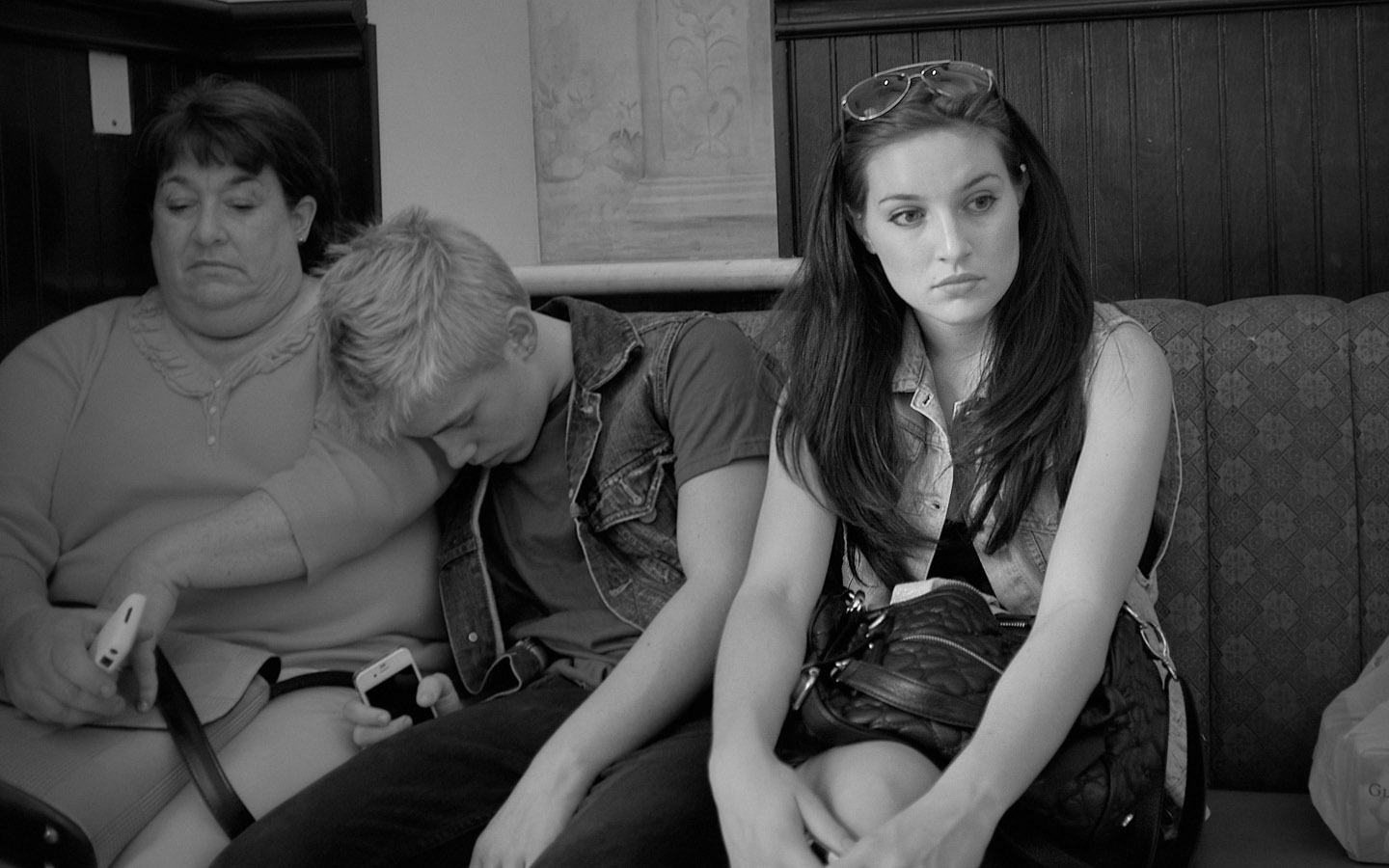
Also, I’ve experimented a bit with the quite flexible internal settings of the camera to output .jpg files that are to my liking. With these settings, too, the images are actually pretty close to the look of film because the mild noise pattern of the camera looks a good bit like traditional grain. I’m favoring turning off the noise-reduction most of the time while decreasing the contrast setting and increasing the sharpness setting. I leave the color at neutral. The image-stabilization seems great on stills (physical) but not so great on video (algorithmic — adds to “jello” effect at times). In monotone mode, these settings along with using the various color filters make some very nice B&W images right out of the camera.

Anyway, one drawback right now (or at least for the days or weeks until support is released), neither Preview, iPhoto, nor Aperture open the raw camera files from the E-P1. Using some superficial information from around the Net and a little experimentation, it seems that the raw files from the camera are pretty much the same as from the Olympus E-30. In fact, changing the small text chunk in one of the E-P1’s .ORF files from “E-P1″ to “E-30″ allows all these fun programs to open and work with these files. It’s a nice little find, so with that in mind, I put together a quick-and-dirty Python script to batch several files for this change.
This Python script will change your Olympus E-P1 raw .ORF files so that Aperture (most importantly) will use them. (Please back-up your images, of course, before using). To use the code, run the script from your terminal “python changeORF.py”, and if you like put some arguments on the end. You can either place the script in the same directory as your .ORF files and run it, or you could place the script elsewhere and specify a directory of .ORF files to change and also the name of the new directory in which to place them, if you like. It will run through all the .ORF files in a folder and place new .ORF files with the same name in the new folder (defaults to “updatedORF”). Hope it helps.
As a side note, part of me always likes storing the most detail by shooting raw, but I’m actually moving a bit in favor of just shooting .jpg files most of the time since I tweaked the settings to liking. It results in a big savings of time and storage space, and since time is precious — that’s a good thing.
Here’s a link to the script file: changeORF.py
Twitter Update:
Oceanside conference banquet at Kaanapali, HI http://loopt.us/8fMDhw.t #Subscribe to this blog: